ProjLog entry 3- Project: BT-7274
PROJECT: BT-7274
PRS: 3/5 complexity, 5/5 uniqueness, 3/5 scale, 2/5 budget, 4/5 usefulness, total 17/25
I’m a fan of the game Titanfall. I love the visuals, the creativity behind the mechs and armor designs, all of it. However, I’ve always had a personal fascination with assistants and main-side characters in games, and BT-7274 always had my eye. So, I decided to make a AI of him to commemerate his personality.
I do not like generative AI. This project does make use of a generative AI model, but uses it so the BT model inside can “think and respond”.
To start, BT runs on a Raspberry Pi 5, and needs to be initialized. To do this, I made a easy to access .sh file to run the necessary code to start the O’llama processing. To make setup easy, it runs another .sh script on startup to deploy a hotspot from the wifi card mounted on top. If I remember correctly, it was through the /bash folder, but I did this about seven months ago. Anyways, you connect with your phone to the hotspot, use the “terminus” app, and run some scripts that are written down in a text file on the pi. If you know how to ls, nano, and leave nano, you’re in good hands.
Once you plug in the Pi, but BEFORE YOU PRESS THE ON BUTTON, you need to plug in the USB microphone and headset. This is meant to be worn alongside a work-in-progress Jack Cooper helmet. That will be discussed at a later date, however. The headset’s volume can be controlled through the buttons about halfway down the headset. Just make sure to keep the “mute” button unpressed.
Once both of these sets of instructions are followed, the Pi should be running the AI, and you should be successfully responding and talking with BT-7274!
How It Works
The basic framework pipeline looks like this:
Speech -> Speech-to-text processor -> Large Language Model -> Text-to-speech model -> headphones
once the wake word is said (the default is “hey BeeTee”), the Speech to Text will start recording a sound file. This file will be transcoded into text, and saved as a temp .txt file. This file is then uploaded to the LLM, a 25B ollama model with a initial prompt given, which includes a summarized copy of all conversations that have happened, so it can have a memory. This part takes about 30 seconds, and will be a uncomfortablely long time. After this processing is completed, the AI will add both the prompt and the output to the Memory.txt file. The text file will then be deleted, and the output will be sent directly over to the TTS to be processed, and fed into your ears, to the tune of BT’s voice.
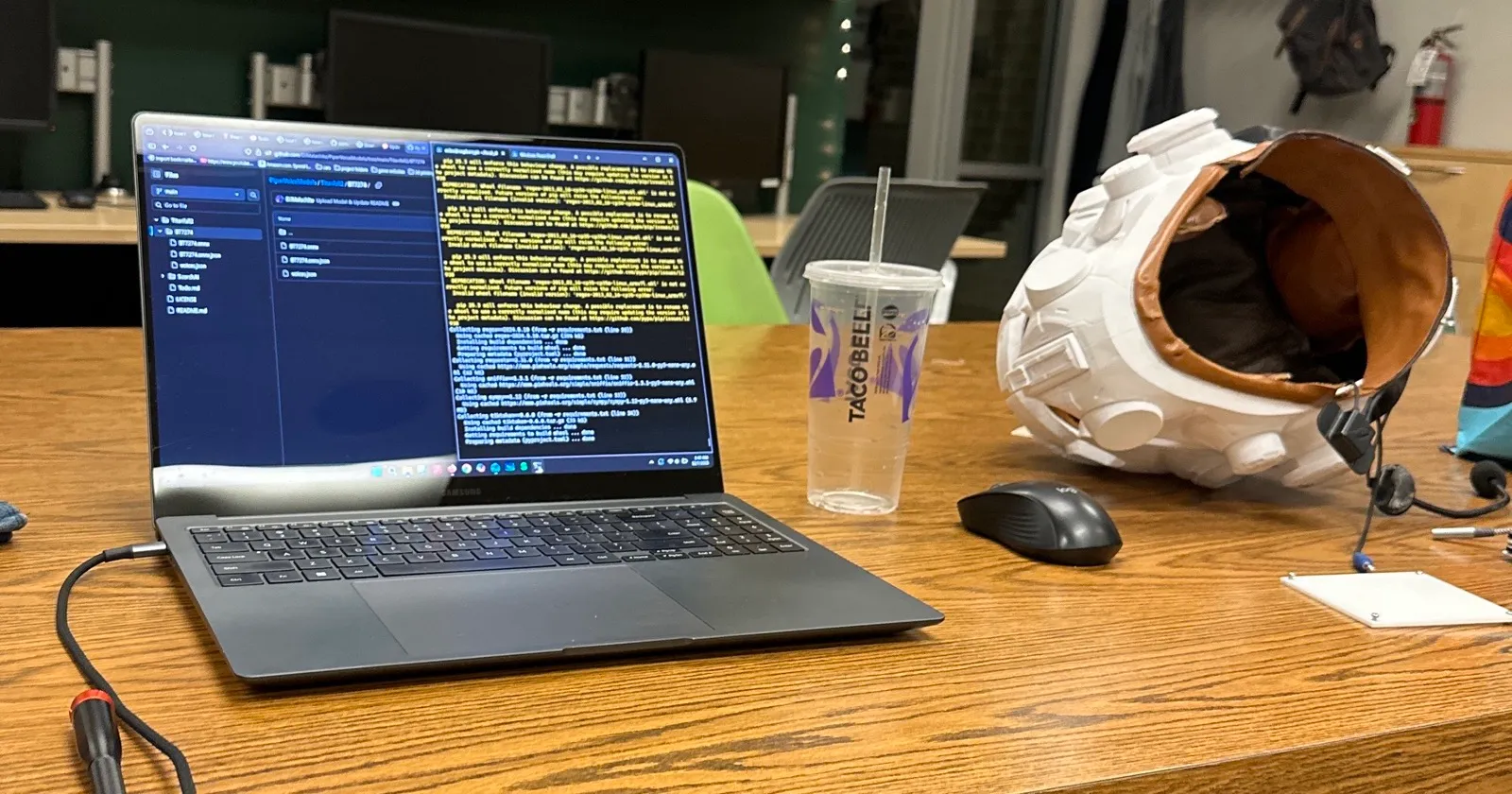
This project was made around December of 2025. Everything stated is true to the best of my abilities to show how the project was made. About half the coding was done over one long night in the Makerpsace of my college, so excuse me if there are any inconsistencies. If you have any questions about the details of how it works, I’d be glad to provide specific links, code blocks, or other parts to aid in the creation of more of these types of devices.